
Event Triggers
Run an enabled workflow when a team inbox email or supported message matches your flow.
React To Incoming Messages
Event triggers listen for messages in your workspace inbox. When the subject and content match your rule, Ramain starts the workflow and can extract inputs from the email body.
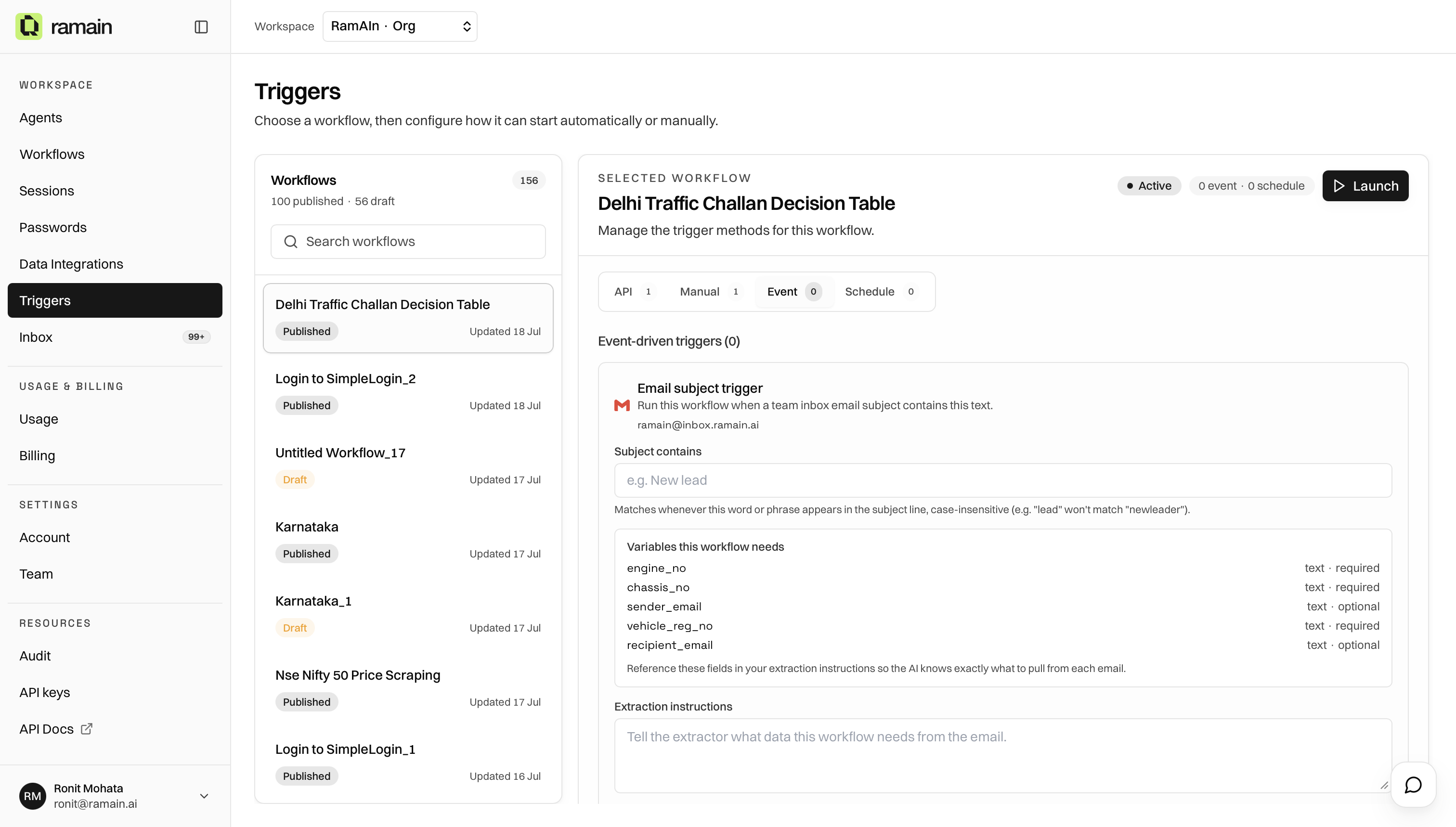
Add An Email Trigger
- Open Triggers and select an enabled workflow.
- Open the Event tab.
- Enter an email subject trigger.
- Set a subject match and optional instructions for extracting workflow inputs from the message.
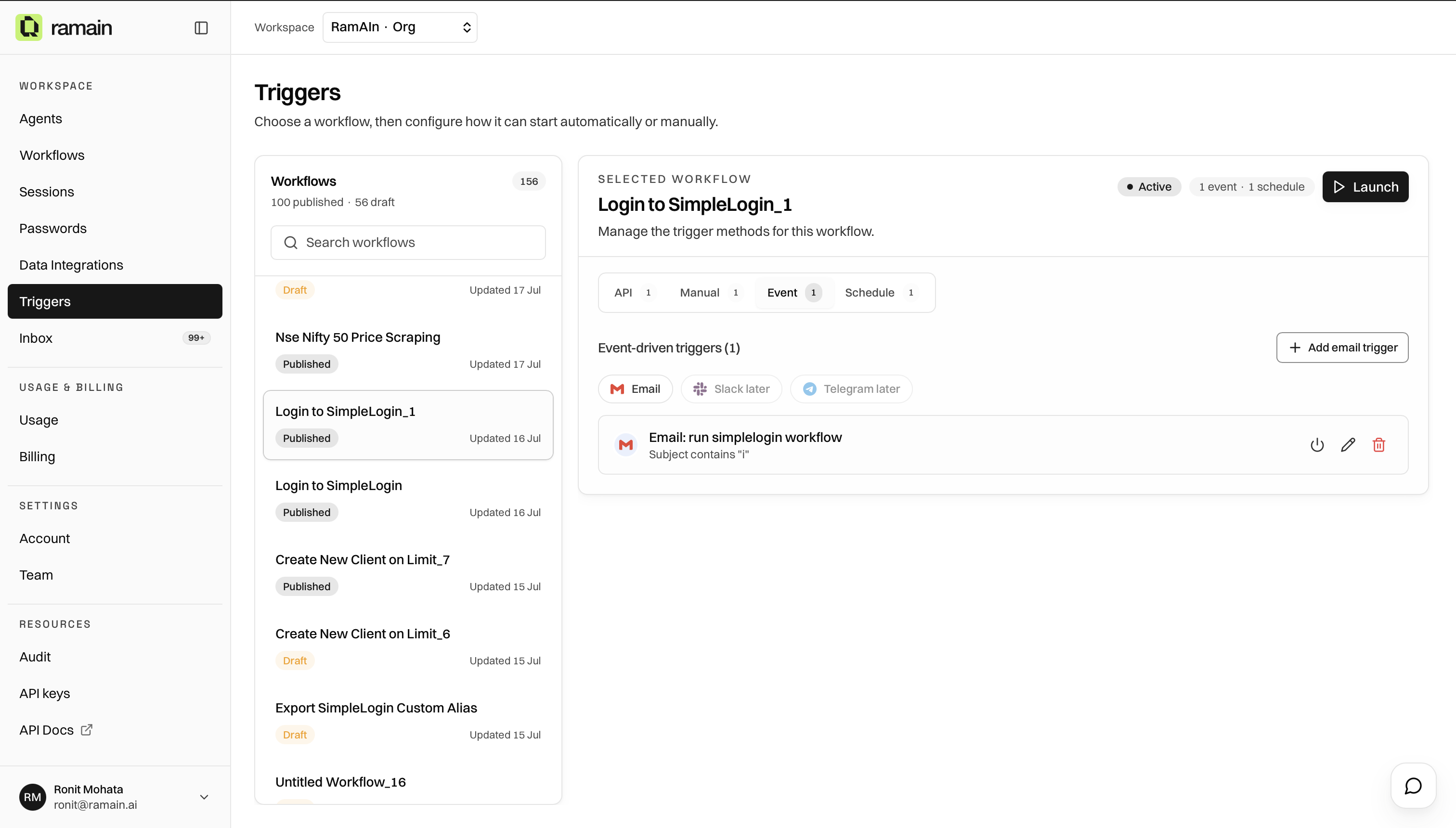
The instructions should say what to extract in plain language. If the workflow has no structured inputs, describe the request directly.
Manage Existing Triggers
Tips
- Prefer a subject phrase specific enough not to fire on unrelated mail.
- Save a valid workflow and enable it before creating Event triggers.
- Keep extraction instructions aligned with workflow input variable names.
- Use Inbox to inspect received messages that match the team address.
Was this page helpful?