
Editor
Turn your Builder session into a workflow graph you can edit, save, and relaunch.
What Is The Editor?
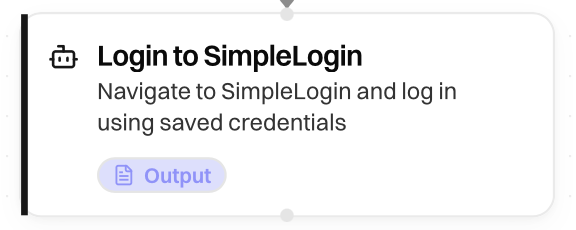
The Editor shows the compiled workflow as a visual graph. After you finish a task in Builder, Ramain converts the session into blocks—inputs, parse steps, and agent tasks—connected in order.
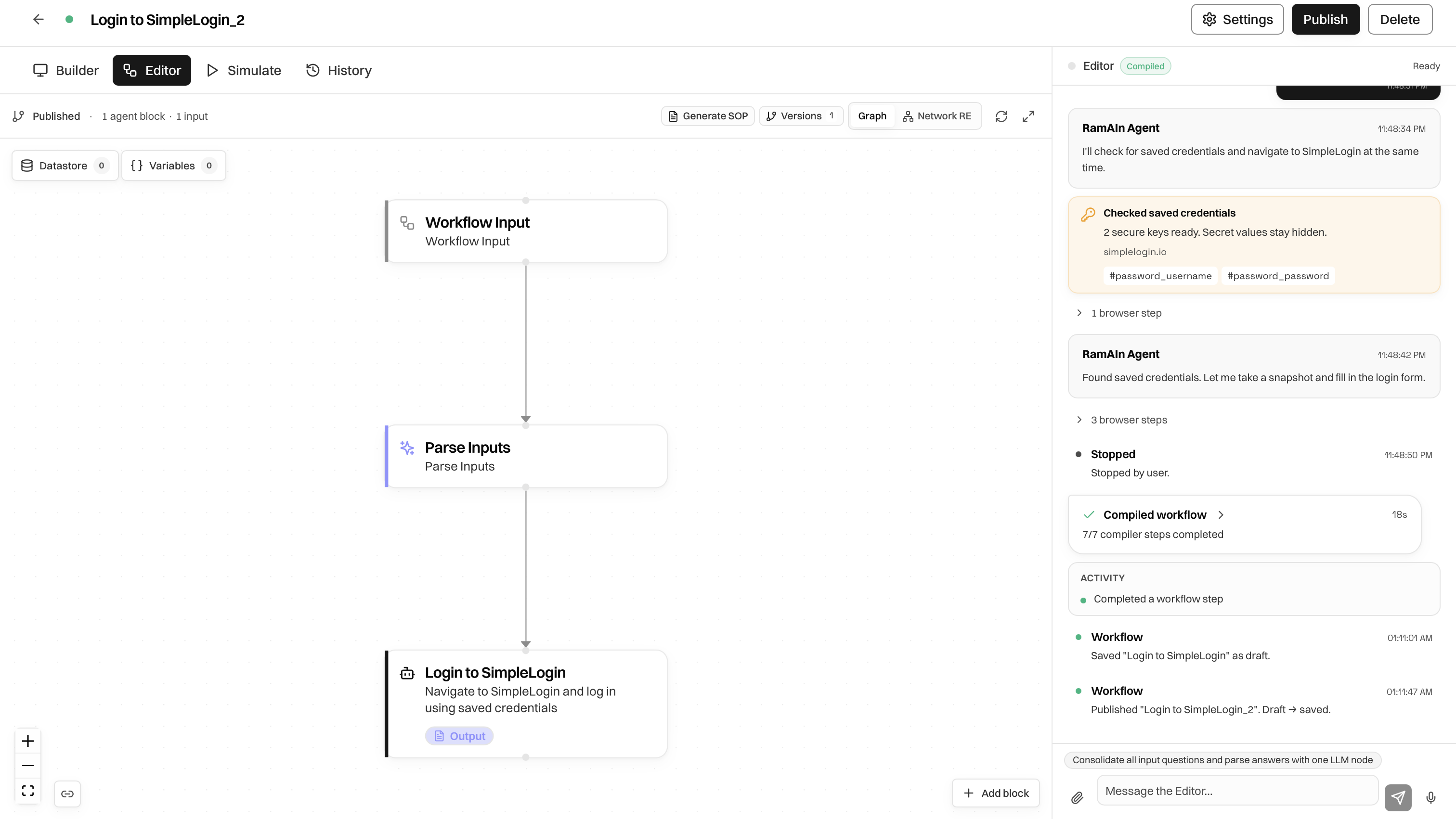
Layout
Reading The Graph
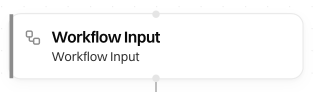
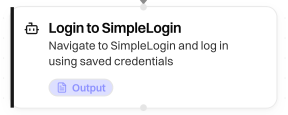
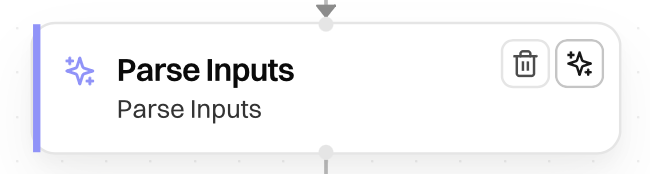
Agent blocks describe intent, not every click. Prefer a few clear blocks over many micro-steps.
Header Actions
Editor Chat
Ask for structural changes in natural language, for example:
- Add an input for customer email.
- Split login and navigation into separate blocks.
- Remove a redundant step.
Review the changes on the canvas. Edits autosave as new versions; use Save for an immediate write.
If a launch fails later, use Implement fix when available so the editor agent can propose a repair from the failure.
Was this page helpful?